◎ China HQ Suzhou · APAC HQ Singapore ✉ hello@jumborca.com ☏ +86-400-990-7697

Product

CMC

From VMware vSphere to Huawei FusionCompute: inventory, migration orchestration and controlled cutover in one console.

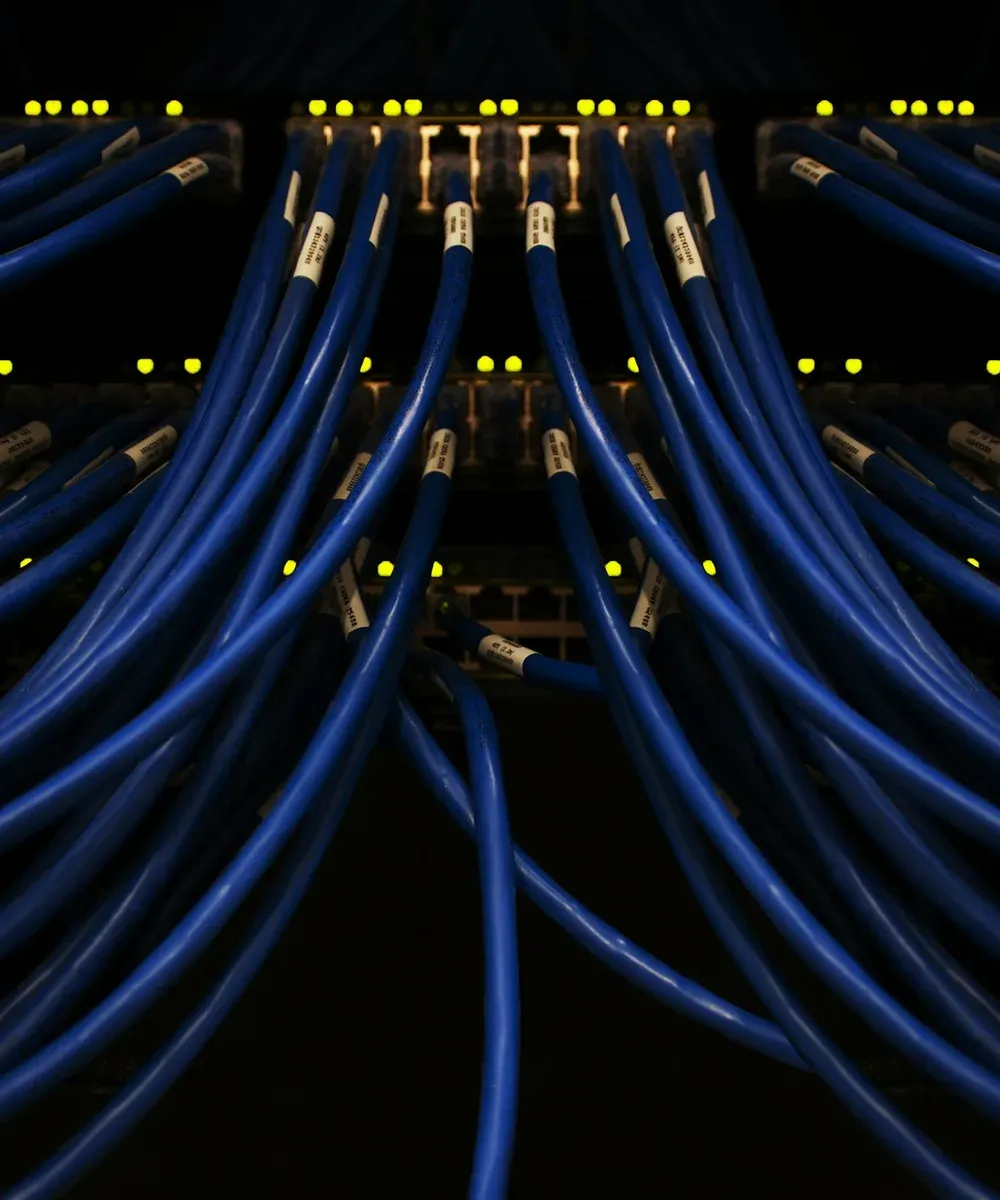
Network cables at the back of a rack.
Photo Scott Rodgerson · Unsplash

Replacing a virtualisation platform means many virtual machines, several operating systems and varied network configurations; migrating them one by one takes long and leaves too much to sort out on the day. Data transfer and the downtime cutover are not separated, so maintenance windows stretch. The process is spread across several tools, and when something goes wrong it is hard to trace.

CMC, the Cloud Migration Center, turns a heterogeneous virtualisation migration into one controlled workflow. Once the source and target are connected it inventories virtual machines, disks and networks centrally and pre-checks OS compatibility and target resource conditions; migration plans are organised around business systems and executed in batches. Hot migration copies data while the source is still running, catches up with incremental sync, and keeps the final cutover inside the maintenance window. Logs and result checks are presented in one place, so problems can be located and handed over.

Capabilities

  • Resource discovery and compatibility pre-check: inventory source VMs, disks and network information centrally; identify OS compatibility, device configuration and target resource conditions ahead of time
  • Business grouping and batch orchestration: organise migration plans around business systems, reuse templates and mapping configurations, and drive multi-VM migrations through one wizard and task view
  • Hot or cold migration: hot migration moves data ahead of time with a full copy plus incremental sync; cold migration converts after shutdown; choose by system conditions and downtime window
  • System conversion and network mapping: disk conversion, driver adaptation and target import in sequence; configure target network and storage mapping, and on supported systems read and keep the source network configuration
  • Progress and logs in one place: migration phases, task progress and execution logs with their handling context, for troubleshooting and team handover
  • Private deployment and management: runs inside the enterprise environment, managing platform connections, migration nodes and configuration; role management, an encrypted vault and an operation record support day-to-day use

From the first pilot VM to batch go-live

Stage by stage, so every migration has a defined input, execution steps and acceptance target.

  • Inventory and assessment: connect source and target; map the resource list, business dependencies and environment constraints
  • Pre-check and preparation: verify compatibility, target capacity and network / storage mapping; clear blockers
  • Plan and sync: pilot a representative system, set the migration mode and execute by business batch
  • Cutover in the window: confirm cutover conditions, stop writes at the source, run the final sync and start the target
  • Verify and hand over: check system start-up, network connectivity and business applications; keep the process record

Move the data early, keep the cutover inside the window

Most data is copied while the source VM is still running, then incremental sync catches up with changes. The final cutover stops writes at the source, completes the last sync, starts the target and verifies the business. Hot migration still needs a final downtime cutover; the actual interruption depends on the last delta, conversion and start-up time, and application verification requirements.

  • Sync first, then cut over: the main data transfer moves ahead of the window, shrinking what has to happen inside it
  • Choose the path by business conditions: strategy set by data change rate, link bandwidth and system compatibility
  • Deliver on business verification: after the target boots, keep checking network, services and applications until the business is confirmed usable

Carrying the infrastructure through a major transition

One working entry point for migration projects of different sizes, built around business continuity and controllable delivery.

  • Virtualisation platform replacement: move VMware workloads to Huawei FusionCompute; map OS and virtual hardware compatibility, plan target network and storage, and organise verification and delivery by application
  • Data-centre batch migration: bring many VMs into one plan, proceed in batches by business priority and maintenance window, and confirm each batch before widening the scope
  • Migration in restricted networks: plan connection paths and node placement across the boundaries between source, target and migration nodes; check access and ports ahead of time and confirm the approach with on-site validation

Where each operating system lands

Migration validation records exist for the systems below, as a reference for environment assessment and pilot selection. Validation environment vCenter 6.7 → FusionCompute 8.10; records cover platform tasks and user confirmation, validation depth varies by system, and application acceptance is done separately.

  • Windows Server: 2008 R2 · 2012 R2 · 2016 · 2022
  • RHEL / CentOS: RHEL 6.3 / 7.9 / 8.6 · CentOS 6.8 / 7 / 8.5
  • Ubuntu 22.04: network configuration validated
  • Kylin V10 SP3: system migration and network validated
  • Roadmap: physical-server P2V, a unified server migration agent, OpenStack targets and public-cloud migration are being planned or refined; availability follows formal release and project validation

Interface

FAQ

Does hot migration mean no downtime at all?
No. Hot migration copies data while the source VM is running, but the final cutover still stops writes, runs a last sync and starts the target. Size the maintenance window by data change rate, link performance and application verification needs.
Can the original IP addresses and network configuration be kept?
On supported systems and configurations the source network information can be read and kept, or remapped for the target environment. Whether the original IPs remain usable depends on the target subnet, routing and site network; check for address conflicts before go-live and verify each address, gateway and DNS.
How do we assess whether our environment is ready to migrate?
Collect source and target versions, OS and disk inventory, network topology, data volume and downtime requirements. After compatibility and link pre-checks, pilot a representative business system, then settle the batch plan.
Can we roll back directly after migration?
Rollback needs a plan made in advance. Once the target is live and producing new data, restarting the source VM alone does not give a lossless rollback; data consistency, source / target isolation, application recovery and business confirmation steps have to be defined.
Can it be delivered offline and deployed inside the enterprise network?
Yes. It ships as an all-in-one image with offline materials, with the console and migration nodes prepared inside the enterprise environment. Check compute, storage, image import and network connectivity before implementation; isolated networks need their own on-site validation.

Further reading

Commonly combined with
Implementation & migrationManaged recovery drillsBackup as a Service
Related solutions
Design & Solutions